Featured Business & Technology · Business Process Automation
Your Business Doesn't Need More Software: Reduce Bottlenecks
Your Business Doesn't Need More Software. It Needs Fewer Bottlenecks. A practical guide to identifying operational friction, simplifying workflows, and inv

Your Business Doesn't Need More Software. It Needs Fewer Bottlenecks.
A practical guide to identifying operational friction, simplifying workflows, and investing in technology that creates measurable business value.
Introduction: The hidden problem behind digital transformation
Modern businesses have access to more software than ever before. Customer relationship management (CRM) platforms, project management tools, accounting applications, analytics dashboards, automation platforms, and AI assistants promise to make operations faster and easier.
Yet many businesses still rely on employees copying information between spreadsheets, following up with customers manually, searching through emails for important documents, and repeating the same administrative tasks every day.
This raises an important question:
If businesses are investing in more technology, why do so many everyday processes remain inefficient?
The problem is often not a lack of software. It is the gap between the tools a business uses and the way its work actually gets done.
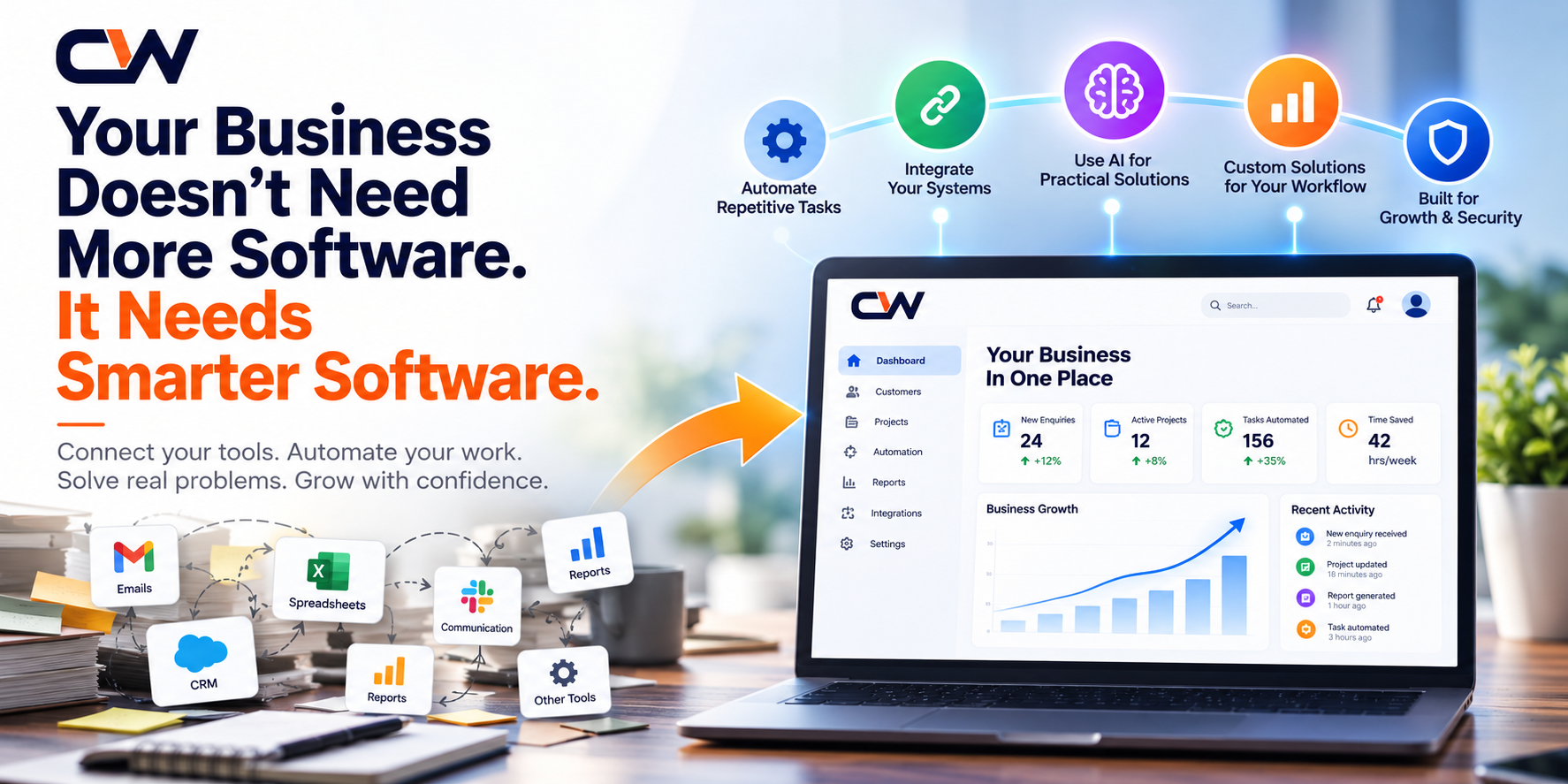
A company might have a CRM to manage leads, a spreadsheet to track sales targets, an email inbox for customer communication, and a separate reporting tool. If these systems do not work together, employees become the connection between them.
That connection creates friction.
The result can be duplicated work, delayed decisions, inconsistent information, missed follow-ups, and unnecessary operational costs.
The solution is not always to purchase another application or introduce artificial intelligence. Sometimes, the most valuable improvement is to simplify an existing process, integrate two systems, or eliminate an unnecessary step.
In this guide, we will explore how businesses can identify operational bottlenecks, decide when technology is necessary, and build a practical improvement plan.
1. What is a business bottleneck?
A business bottleneck is a point in a workflow that restricts the speed, quality, capacity, or reliability of the entire process.
It may be a manual task, a delayed approval, a disconnected system, missing information, or a process that depends on one person's availability.
Consider a company that receives 100 enquiries each week.
The website collects enquiries successfully, but an employee must manually copy each enquiry into a spreadsheet, assign it to a salesperson, send a notification, and update the status later.
The website is not necessarily the problem. The bottleneck is the process between receiving an enquiry and taking action on it.
Other common examples include:
- Sales teams manually updating lead records across multiple tools.
- Customer support employees searching through PDFs and old email conversations for answers.
- Managers waiting for reports that require information from several departments.
- Operations teams entering the same data into different systems.
- Employees following up on approvals through long email chains.
- Business owners making decisions using outdated or incomplete reports.
These problems may appear small when considered individually. When repeated across a team every day, however, they can consume significant time and attention.
The first step toward improvement is identifying where work slows down, repeats unnecessarily, or frequently requires correction.
2. Why adding more software can make things worse
New software can solve genuine problems, but adding tools without reviewing the workflow can introduce new complexity.
Problem A: Too many disconnected systems
Imagine a business uses five applications to manage sales, communication, accounting, project delivery, and customer support.
Each application may work perfectly on its own. But if employees must manually transfer information between them, the overall process can still be inefficient.
A better approach may be to integrate the applications through APIs, establish a shared source of truth, or consolidate overlapping functionality.
The objective is not to force every activity into one platform. It is to make information flow reliably between the systems that need it.
Problem B: Automating an inefficient process
Automation can make a process faster without making it better.
Suppose a business requires three unnecessary approvals before sending a routine customer update. Automating those approvals may reduce manual effort, but it preserves the underlying delay.
Before automating a process, ask:
- Does every step serve a useful purpose?
- Can any approval or handoff be removed?
- Is the required information already available?
- Which decisions genuinely need human judgment?
- What happens when the process encounters an exception?
Simplify first. Automate second.
Problem C: Buying features that employees do not need
A software platform may offer hundreds of features, but a business might only need a few core capabilities.
Excessive complexity can increase training requirements, implementation time, maintenance costs, and resistance from employees.
The right solution should fit the workflow and the people using it—not force the business to adopt unnecessary complexity.
Problem D: Introducing AI before understanding the problem
AI can help with document search, classification, summarization, customer support, and selected repetitive workflows.
However, not every problem requires a language model or an AI agent.
A straightforward rule-based workflow may be more predictable, easier to test, and less expensive to operate.
For example, automatically sending a notification when a form is submitted usually does not require generative AI. Answering a customer's natural-language question using hundreds of company documents may be a more appropriate use case for a retrieval-based AI assistant.
Choose technology according to the problem, not the popularity of the technology.
3. Five signs that your business has an operational bottleneck
You do not need a large consulting exercise to identify areas worth investigating. Start by observing how work moves through your organization.
Sign 1: Employees repeatedly enter the same information
When the same customer details, order information, or project updates must be entered in multiple places, the business may have an integration or process-design problem.
Repeated entry increases the possibility of mistakes and makes information harder to maintain consistently.
Potential improvements include form integrations, API-based synchronization, shared databases where appropriate, or workflow automation.
Sign 2: Important tasks depend on manual reminders
If employees must remember to follow up with every lead, remind colleagues about approvals, or chase customers for missing information, the process may depend too heavily on individual memory.
Automated reminders, clear task ownership, and event-based notifications can help make follow-ups more consistent.
The goal is not to remove accountability. It is to make the next action visible and reduce avoidable administrative work.
Sign 3: Employees spend too much time searching for information
Business knowledge often becomes scattered across documents, email threads, shared folders, internal applications, and knowledge bases.
Employees may repeatedly ask the same questions because the answer is difficult to locate.
Possible improvements include better document organization, searchable knowledge bases, permission-aware search, and—when appropriate—RAG-based AI assistants that retrieve answers from approved business information.
Sign 4: Management reports take too long to prepare
If preparing a weekly report requires collecting spreadsheets from multiple people, checking inconsistent figures, and manually combining data, decision-makers may be working with information that is already outdated.
Automated data pipelines and dashboards can help, provided that the underlying data is reliable and the business agrees on what each metric means.
A dashboard cannot compensate for incorrect source data or unclear definitions.
Sign 5: Growth creates more administrative work
When enquiry volume, orders, employees, or customer requests increase, a manual process that once worked may become difficult to manage.
The question is whether the workflow can handle higher demand without a proportional increase in repetitive work, delays, and errors.
Better process design, integrations, carefully selected automation, and scalable software can help the business prepare for growth.
4. A practical framework for finding the right problem
Instead of immediately looking for software, use the following five-step approach.
Step 1: Map one complete workflow
Choose a process that occurs frequently and matters to the business.
Examples include:
- Website enquiry to sales follow-up.
- Customer question to resolution.
- Order received to order fulfilled.
- Invoice created to payment received.
- Employee request to approval.
- Document received to information extracted and verified.
Write down each step, who performs it, which system is used, and what information passes to the next person.
Include exceptions and delays, not just the ideal path.
A simple workflow map might look like this:
Website enquiry → Manual data entry → Lead assignment → Sales follow-up → Status update → Management report.
Once the process is visible, it becomes easier to identify repeated work and unnecessary handoffs.
Step 2: Measure the current situation
Avoid relying only on statements such as "this process takes too long."
Collect a baseline using metrics relevant to the workflow:
- Time required to complete a task.
- Number of manual steps.
- Number of systems involved.
- Frequency of errors or rework.
- Average waiting time between steps.
- Number of enquiries left without a follow-up.
- Time required to prepare a report.
For example, suppose a team spends an average of 8 minutes processing each enquiry and receives 300 enquiries each month.
The monthly processing effort is:
300 × 8 minutes = 2,400 minutes, or 40 hours.
This is a hypothetical illustration, not a measured result from a CycloneWebz client.
It shows why measuring a repetitive process can reveal opportunities that are easy to overlook.
Step 3: Identify the root cause
Do not assume the most visible symptom is the real problem.
If sales follow-ups are delayed, possible causes include:
- Leads are not assigned promptly.
- Contact information is incomplete.
- Employees do not know which lead to prioritize.
- Notifications are missing.
- The CRM workflow is difficult to use.
- The sales team does not have sufficient capacity.
Each cause suggests a different solution.
A reminder system will not solve a workload problem. A new CRM will not automatically solve unclear ownership. AI will not fix a process that has no reliable data.
Identify the root cause before selecting the technology.
Step 4: Compare possible solutions
Once the problem is understood, compare solutions from simplest to most complex.
| Approach | When it may be appropriate |
|---|---|
| Process improvement | Unnecessary steps, unclear ownership, or redundant approvals |
| Existing software configuration | A useful feature already exists but is not being used correctly |
| Integration or automation | Data needs to move reliably between systems or tasks need predictable triggers |
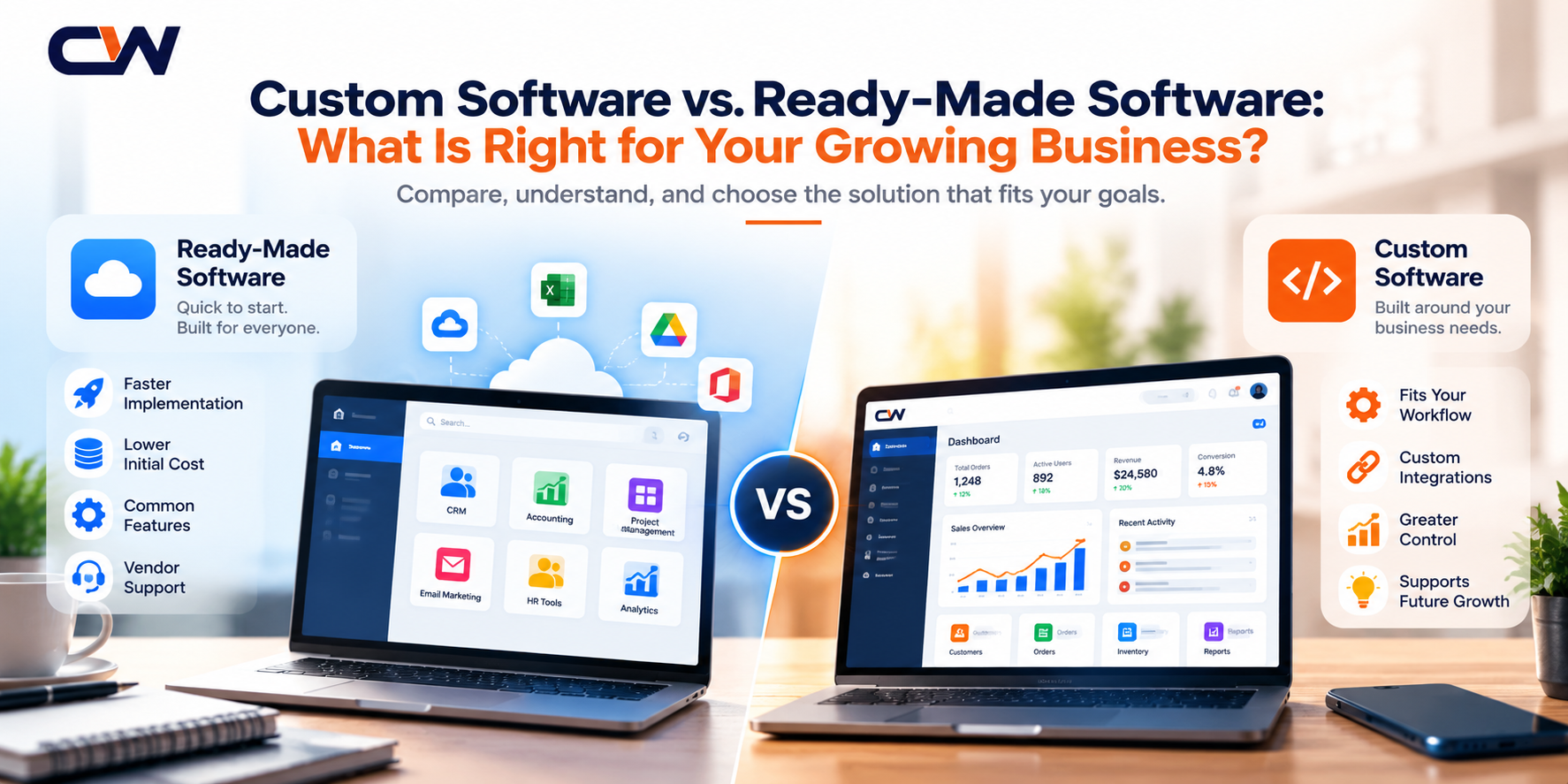
| Custom software | Existing products cannot adequately support an important business workflow |
| AI-assisted workflow | The task involves language, documents, classification, or other work where AI adds value |
| Full system replacement | The existing platform has fundamental limitations that cannot reasonably be addressed |
The simplest solution that reliably solves the problem is often the best starting point.
A custom application can be valuable when the business has distinctive requirements. It should not be the default choice when a small configuration change or integration would achieve the same result.
Step 5: Run a small, measurable pilot
Avoid transforming every department at once.
Select one workflow, define the intended outcome, test the proposed solution, and compare the results against the original baseline.
For example, a lead-management pilot might measure:
- Time between receiving an enquiry and assigning it.
- Percentage of leads assigned successfully.
- Percentage receiving a follow-up within the target period.
- Number of duplicate records.
- Employee time spent on administrative work.
Use the results to decide whether to expand, modify, or stop the initiative.
A pilot should produce evidence for a decision—not merely demonstrate that a new tool works.
5. How to decide whether automation will create business value
Automation is worthwhile when its benefits justify its implementation and ongoing costs.
A useful starting point is to estimate the time saved.
Suppose a repetitive task takes 10 minutes, occurs 200 times per month, and an automation reduces the average handling time to 3 minutes.
The theoretical time saved is:
200 × (10 − 3) = 1,400 minutes per month.
That is approximately 23.3 hours.
But this is not automatically a financial saving of 23.3 hours of wages. The business must determine how that recovered capacity will be used and account for exceptions, oversight, maintenance, and other costs.
A more complete evaluation considers:
- Development or configuration costs.
- Software subscriptions and infrastructure.
- Integration and data-cleaning work.
- Testing, training, and change management.
- Ongoing support and maintenance.
- Human review and exception handling.
- Measurable improvements in capacity, speed, quality, or revenue.
One simple model for estimating net monthly benefit is:
Net monthly benefit = Measurable monthly benefits − Ongoing monthly costs
To estimate a payback period, divide the initial implementation investment by the expected net monthly benefit, provided that the benefit is positive and reasonably predictable.
These calculations are estimates. Actual results depend on adoption, process volume, solution reliability, and the costs of operating the system.
6. Where AI fits into this picture
AI can create value when it addresses a task that is difficult to handle effectively through ordinary rules alone.
The key is to start with a clearly defined use case.
Use case A: Help employees find answers faster
A business may have technical manuals, policy documents, product information, and internal procedures spread across multiple files.
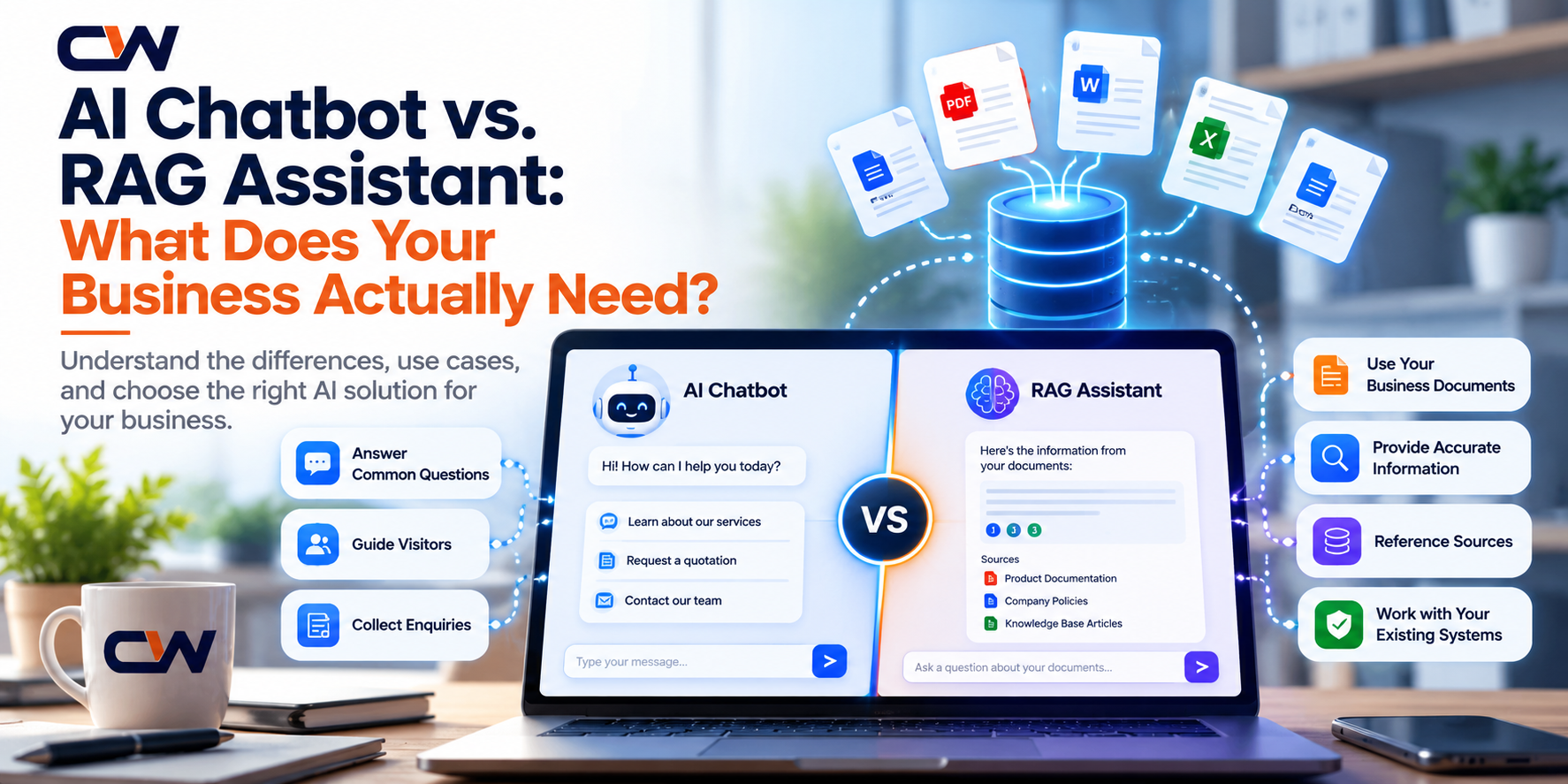
A retrieval-augmented generation (RAG) assistant can search approved sources and use relevant passages to formulate an answer.
A well-designed implementation should consider source references, access permissions, unanswered questions, document freshness, and escalation to a human when needed.
This can be useful for internal knowledge management and customer support, but answer quality must be evaluated against realistic questions before the system is relied upon.
Use case B: Reduce repetitive document processing
AI-assisted extraction can help identify information in invoices, forms, contracts, and other documents.
For example, a system might extract a supplier name, invoice date, and total amount, then pass the results to a validation step.
For sensitive or high-impact decisions, the system should support verification and human review rather than assume every extracted value is correct.
Use case C: Improve customer enquiry handling
An AI assistant may classify incoming enquiries, summarize customer messages, suggest responses, or route requests to the appropriate team.
The business can establish rules for when automation is allowed and when a human must take over.
This is particularly important when requests involve complaints, unusual situations, sensitive information, or decisions outside the assistant's authority.
Use case D: Connect AI to existing business applications
AI can be useful inside a CRM, support portal, or internal application instead of requiring employees to adopt a separate tool.
For instance, an assistant might summarize a customer conversation or help an employee search relevant product documentation from an existing interface.
However, actions such as changing account details, issuing refunds, or modifying records require appropriate authorization, validation, and auditability.
The objective is not to add AI everywhere. It is to use AI where it makes a meaningful difference to a clearly defined workflow.
7. Build, buy, integrate, or improve?
Businesses often face a choice between purchasing an existing platform and developing a custom solution.
There is no universally correct answer.
Buy an existing product when:
- The workflow is common across many businesses.
- The product already supports your essential requirements.
- Its operating costs and limitations are acceptable.
- You can configure it without extensive workarounds.
Integrate existing systems when:
- Your current applications are useful individually.
- The main problem is disconnected data or repeated entry.
- APIs or supported integration methods are available.
- Replacing the systems would create unnecessary cost or disruption.
Build custom software when:
- A critical workflow is not supported adequately by existing products.
- The business needs specific integrations or user experiences.
- You require greater control over functionality or future development.
- The expected business value justifies the additional investment and maintenance.
Improve the process before doing anything else when:
- Responsibilities are unclear.
- Approval steps are unnecessary.
- Data is inconsistent.
- Employees follow different procedures for the same task.
- The problem comes from a policy or organizational decision rather than a technical limitation.
This decision should consider the total cost of ownership, implementation risk, security, scalability, maintainability, and the ability to change the system as the business evolves.
8. A 30-day plan to reduce operational friction
You do not need to begin with a company-wide transformation. A focused 30-day exercise can help identify and validate one worthwhile improvement.
Week 1: Observe and document
Choose one recurring workflow.
Speak with the employees who perform it, document the current steps, and record where delays, errors, and repeated work occur.
Establish baseline measurements.
Deliverable: A workflow map and a prioritized list of problems.
Week 2: Find the root cause and evaluate options
Identify why the bottleneck exists.
Consider process changes, existing software features, integrations, automation, and custom development.
Estimate the cost, risk, and expected benefit of each realistic option.
Deliverable: A recommended solution with clear success criteria.
Week 3: Test a small improvement
Implement or prototype the smallest change that can validate the idea.
Use representative data, test normal and exceptional situations, and involve the people who will use the solution.
For AI-related workflows, evaluate answer quality, incorrect outputs, access controls, and escalation behaviour.
Deliverable: A working pilot or tested process change.
Week 4: Measure and decide
Compare the pilot results with the original baseline.
Ask whether the change improved the intended metric, introduced new problems, or requires further refinement.
Decide whether to expand the pilot, adjust the design, or abandon the approach.
Deliverable: An evidence-based decision and a practical next-step plan.
The purpose of this exercise is not to force a technology purchase within 30 days. It is to make a better decision about what deserves investment.
9. A simple business workflow audit checklist
Use this checklist with your team to identify opportunities for improvement.
- [ ] We can explain the purpose of the workflow in one sentence.
- [ ] Every major step has a clear owner.
- [ ] Employees do not repeatedly enter the same information without a reason.
- [ ] The systems involved share the information they need.
- [ ] Routine follow-ups and notifications are reliable.
- [ ] Employees can find current, approved information.
- [ ] The workflow has a defined way to handle exceptions.
- [ ] We measure delays, errors, and completion time.
- [ ] We understand the full cost of the process.
- [ ] Any proposed automation has a measurable success criterion.
- [ ] Security and access permissions are appropriate.
- [ ] Employees who use the workflow are involved in improving it.
If several items are difficult to check, start by investigating the process rather than immediately purchasing a new platform.
Conclusion: Invest in outcomes, not the number of tools
Digital transformation does not begin with a software subscription, a new dashboard, or an AI model.
It begins by understanding how work gets done, where value is lost, and which improvements will make the biggest practical difference.
For some businesses, the right answer is a simpler process. For others, it is integrating existing applications, building a custom business system, or introducing an AI assistant for a well-defined use case.
The important thing is to make the decision based on evidence.
Start with one workflow. Measure the current situation. Identify the root cause. Test the simplest effective solution. Then expand only when the results justify it.
At CycloneWebz, we believe technology should support the way a business needs to operate—not add complexity for its own sake. Our work spans AI applications, RAG assistants, custom software, web and mobile applications, integrations, and software quality assurance.
If your team is dealing with disconnected tools, repetitive manual work, or a process that no longer scales, begin by identifying the bottleneck. That is where a meaningful improvement can start.
Want to improve a business workflow?
Visit [CycloneWebz](https://www.cyclonewebz.com/) to explore our technology services, or [contact our team](https://www.cyclonewebz.com/contact-us) to discuss a specific business challenge.
Build less complexity. Solve better problems. Create measurable value.
---
Frequently asked questions
Does every business need custom software?
No. Many businesses can work effectively with existing products and sensible configuration. Custom software is most appropriate when a business has important requirements that existing tools cannot adequately support and the expected benefits justify the investment.
How can a small business identify its biggest technology problem?
Start by examining recurring work that consumes substantial time, causes repeated errors, delays customers, or requires employees to transfer information between systems. Measure the problem before selecting a solution.
Is automation always better than manual work?
No. Automation is useful when a process is sufficiently predictable, the expected benefit exceeds the costs, and exceptions can be handled safely. Some tasks are better kept manual or supported by human review.
When should a business use AI instead of traditional automation?
Traditional automation is often suitable for predictable, rule-based tasks. AI may be useful for language, document understanding, classification, summarization, and other tasks where inputs vary. Some workflows benefit from combining both.
How do you measure the success of a software improvement?
Choose metrics that match the business objective, such as processing time, error rate, response time, completion rate, operating cost, or customer satisfaction. Compare the results against a baseline and account for ongoing costs.
What is the best first step toward digital transformation?
Identify one meaningful business problem, map the existing workflow, establish a baseline, and evaluate potential solutions. A focused improvement with measurable outcomes is often a better starting point than a large technology overhaul.